Build a Smart Home That Still Works When the Internet Doesn't
How to tell local control from cloud control, what Matter and Thread actually fix, and which devices you should never let depend on someone else's server.
· 9 min read · 2,324 words
01
The failure modes, ranked by how often they bite
Three things take a smart home down, and they differ in how often they happen and how much you can do about them. Your own connection drops, which is the common case and usually lasts minutes. The manufacturer's servers have an incident while your line is perfectly healthy, which is rarer, hits every customer of that brand at the same moment, and leaves you nothing to fix at your end. Or the company retires the product and switches off the service behind it, which almost never happens to any given device and is permanent when it does. Buyers plan for the first and get blindsided by the other two.
The useful question about any device is where the decision gets made. A motion sensor turning on a light is a tiny computation. If that computation happens on a server several hundred miles away, the round trip through your router, your provider, and someone's data centre becomes the reliability floor for your hallway light. If it happens on a box in your cupboard, the light works during an outage and responds noticeably faster the rest of the time, because you have removed two networks and a queue from the path.
Behind those failures sits a question people forget to ask: what does the device do while it cannot reach anything? Some hold their last state and carry on. Some retry for a while, then fall back to whatever logic they hold locally. Some flash an error and refuse input until they get an answer from somewhere. A few forget state entirely, so when the connection returns your lights come back on at full brightness at two in the morning. Recovery deserves as much attention as failure, because the resync after an outage is where careless firmware does its most visible damage.
02
How to tell whether a device is really local
Marketing uses the word local loosely, so test it yourself. Unplug the cable between your router and your modem, which leaves the home network alive with no route out. Then try the things you care about: the app, the voice assistant, and an automation you rely on. Note not only what breaks but how it breaks. A device that fails instantly and one that spins for thirty seconds before giving up tell you different things about the software inside, and the second kind will make every tap in the app feel broken even when the outage is brief.
The half-local device is the most common shape and the most misunderstood. Manual control from the app on the same Wi-Fi works. Remote control from outside the house goes through the cloud, which is reasonable and hard to avoid. But the automation engine often lives in the cloud as well, so the motion-triggered light and the sunset schedule quietly stop while everything you tap by hand still responds. That gap is why an outage can look fine when you test it standing in the room and fail completely at three in the morning. Ask where automations execute, not whether the device claims local control.
Some of that homework can be done before you spend anything. Search the manufacturer's support pages for a documented local API, and check whether a community integration exists, since open-source projects are usually built against something stable and documented rather than a mystery cloud endpoint. One telling detail is whether the app demands a login before it will show you a device sitting on the same Wi-Fi as your phone. Another is whether first-time setup can happen at all with no account. Neither is disqualifying by itself, but together they tell you how much of the design assumes the vendor's servers are present.
Comes into its own once you have battery devices spread across a house and want fast response with years between battery changes. Close to pointless for mains-powered gear, where Wi-Fi or ethernet is simpler, and it does nothing at all without a border router and enough powered relay nodes to carry traffic.
03
Matter and Thread, honestly
Matter and Thread are named together so often that people assume they are one thing. Matter is a common language: it defines what a device is and what it can do, and it runs over ordinary internet-protocol networking. Thread is a low-power radio mesh built for battery devices. A Matter device may reach your network over Wi-Fi, ethernet, or Thread, with Bluetooth used only during commissioning. Buying Matter does not mean buying Thread, and Thread hardware is not automatically Matter hardware.
Matter does two genuinely useful things. Control is local by design, so a compliant device accepts commands from a controller on your own network without a round trip to a vendor. It also supports multi-admin, meaning one device can belong to several ecosystems at once rather than being claimed by whichever app arrived first. What it does not give you is feature parity. Vendors expose a plain device type through Matter and keep energy monitoring, custom lighting effects, firmware updates, and detailed sensor data inside their own app, so the Matter view of a fancy device is often the boring version of it.
Thread needs a border router, a mains-powered device that bridges the low-power mesh onto your normal network. You may already own one inside a speaker or a display. Two things trip people up. The mesh needs enough mains-powered nodes to relay for the battery ones, so a house full of sensors served by a single border router performs badly no matter how good the sensors are. And border routers from different vendors have a history of forming separate, non-communicating networks. A mechanism for sharing mesh credentials exists and support has improved, but treat it as something to verify rather than assume before you buy a second brand.
04
Whether you need a hub, and which kind
Hub strategies sit on a line. At one end you skip the hub entirely and use Wi-Fi devices driven by your phone and a voice assistant. In the middle sits an ecosystem hub, meaning a speaker, display, or small box from a large platform that usually doubles as a border router. At the far end you run your own automation controller, either a purpose-built appliance or software on a small always-on computer. Capability rises along that line, and so does the maintenance you personally own.
Only the last option reliably keeps a whole house running with the internet gone, and it is the only one that lets you mix radios and brands freely. The cost is real: backups, updates that occasionally change behaviour you relied on, and being your own support desk late at night when nobody else can turn the bedroom light off. Any hub is also a single point of failure, so ask what happens the day it dies. A system that degrades into a normal, slightly dumb house is a good system; one where the wall switches stopped working months ago is not.
If you do run your own controller, the unglamorous decisions matter more than the software you choose. Put it on solid-state storage rather than a memory card, because cards wear out and spend weeks producing behaviour that looks like random bugs before they finally die. Keep it on a small battery backup alongside your router and access point, so a two-second power cut does not corrupt a database mid-write. Take configuration backups somewhere off the box, then restore one onto spare hardware and watch it come up. An untested backup is a belief rather than a plan.
05
The devices where cloud dependence is a real risk
Locks deserve the most scepticism. A lock that asks a server for permission before opening has failure modes a mechanical lock does not. The good ones store credentials on the lock itself, so keypad codes keep working with no network at all. A direct phone-to-lock connection over Bluetooth is the fallback worth insisting on, together with a physical key or mechanical override. Check how the lock behaves as batteries fade, because one that dies with no warning is far worse than one that nags you for a fortnight.
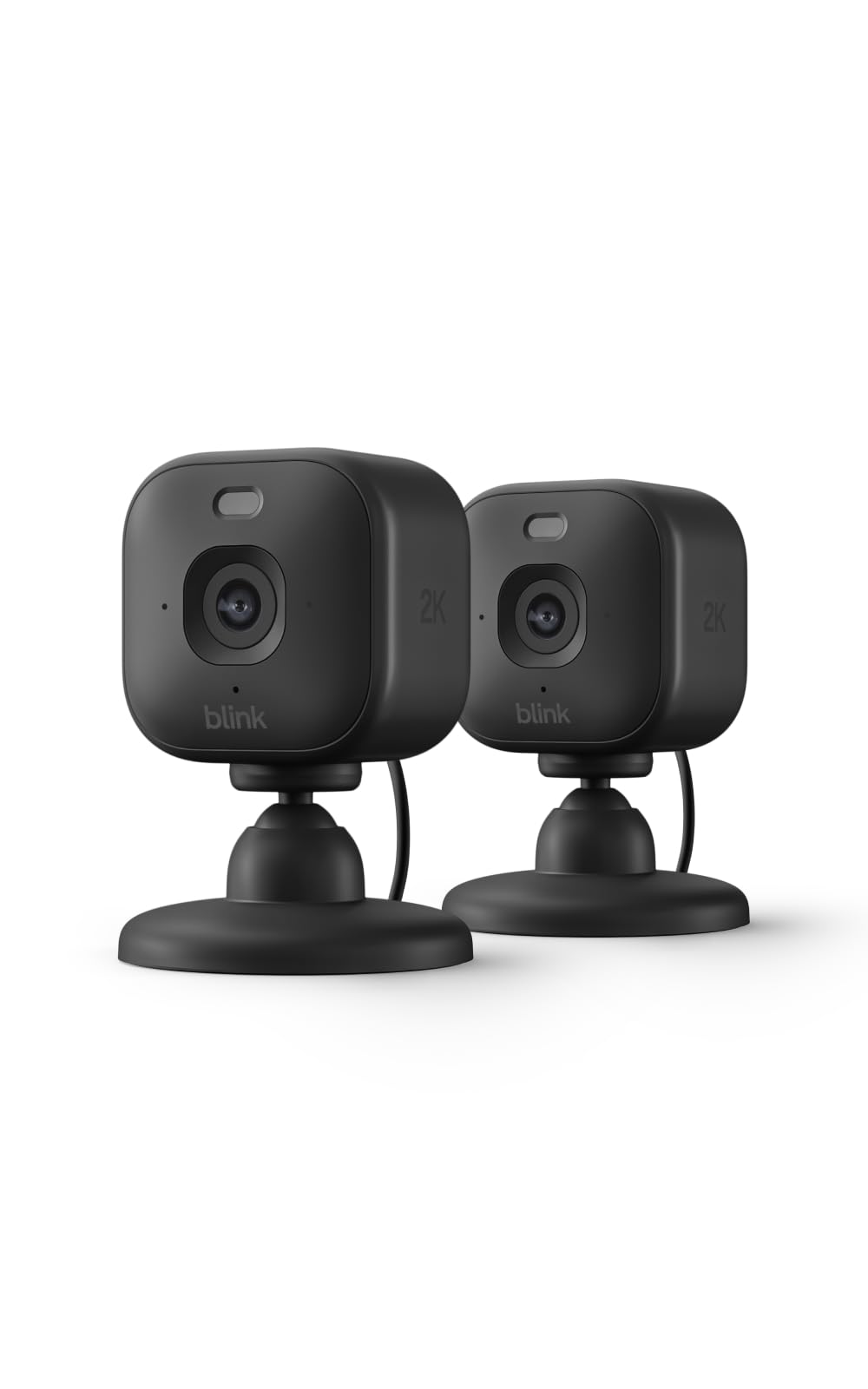
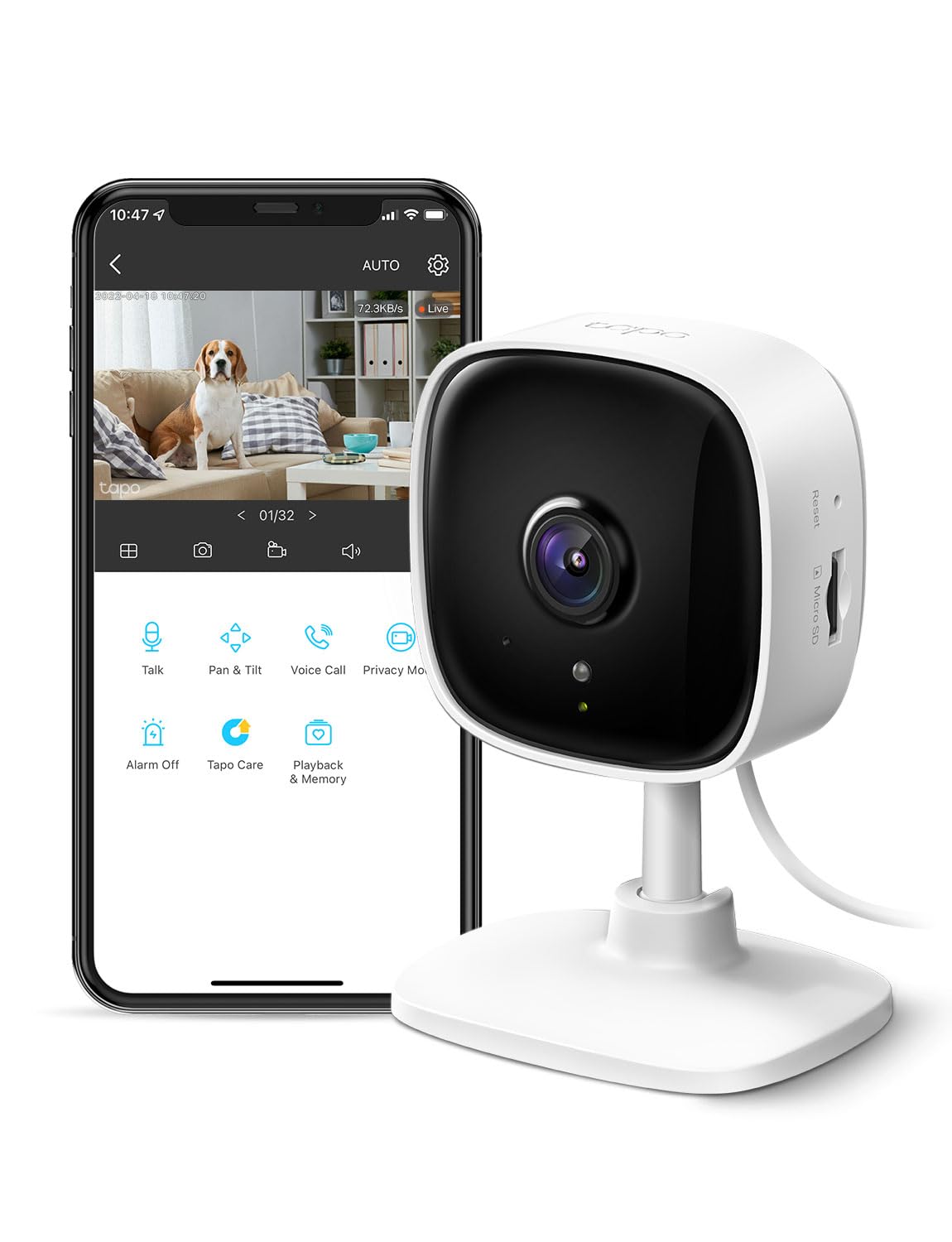
Cameras reduce to two questions: where does the video get written, and can you watch a live view with no internet. Cloud-only recording means an outage, a lapsed payment, or a service change leaves you with nothing at the exact moment footage mattered. Local recording to a card or a drive on your network, with cloud storage as an optional offsite copy, is the right shape. Verify that local viewing genuinely works offline, since some cameras write locally but still route the app's live view through a vendor relay. Cameras are also the devices most likely to keep costing money after purchase.
Apply the same scrutiny to anything controlling a physical opening or a safety function. Garage doors, gates, water shutoff valves, and heating controls sit in the category where a failed cloud call has consequences beyond inconvenience, and heating in particular should keep a working thermostat that operates with the smart layer entirely absent. Price in subscription risk too. Features that shipped with the purchase turning into a monthly fee later is normal industry behaviour now, and the exposed devices are the ones leaning hardest on someone else's servers.
06
Lock-in and what it costs to leave
Lock-in is not really about which app you prefer. It is about proprietary radios that only talk to one brand's bridge, accounts that own your device registrations, and automations stored in a cloud you cannot export. The cost shows up at awkward moments: handing devices over when you sell a house, replacing a failed bridge and discovering nothing else on the market speaks to the sensors you already own, or trying to move a single device into a different system and finding the answer is a factory reset and a support ticket.
A badge saying a device works with a major assistant is not portability. It usually describes a cloud-to-cloud link between two companies that ends when either side loses interest, and it does nothing for you during an outage. The cheap hedge is unglamorous. Prefer open protocols, keep the number of separate brand bridges small, and resist buying ten of something before you have lived with one of them for a couple of months.
Test the exit early, while it is still cheap. Factory reset one device and pair it with a different controller, then see whether it comes back cleanly or arrives still attached to a previous account. Check whether your automations exist anywhere you can read them, as a file or an export, rather than only as rows in a database somebody else runs. Matter includes a decommissioning step for exactly this situation, and vendors implement it with varying enthusiasm. Ten minutes spent on device one saves a lost weekend on device thirty.
The single most important property for reliability, and the most abused phrase in the category. Vendors apply it to manual control from the app while the automation engine still runs in the cloud, so the claim is worth almost nothing unless it specifically covers schedules and sensor-triggered rules.
07
Radios and wiring, the boring parts that decide reliability
Wi-Fi devices are the easiest to set up and the worst neighbours once you own many. Cheap 2.4 GHz clients tend to be chatty, handle power saving badly, and consume airtime out of all proportion to the data they send, so thirty of them degrade a band your laptops and phones also need. Some consumer routers also cap the number of clients they will handle gracefully. Low-power mesh protocols exist to keep small, frequent messages off your main network. The rule with any mesh is that mains-powered devices relay for others while battery devices do not, so establish a few permanently powered nodes before scattering sensors around.
Wiring decides more than people expect. Many smart wall switches need a neutral wire, which older houses often lack in the switch box, and discovering that mid-installation ruins an evening. No-neutral switches exist and work by trickling current through the fixture, which can make some LED lamps glow faintly or flicker unless you fit a bypass. Decide early whether you are automating at the switch or at the bulb. Smart bulbs are flexible and renter-friendly, but they break the moment a guest flips the wall switch off, because the bulb loses power and the system loses the device.
Radio placement repays ten minutes of thought. Thread and similar low-power meshes share the 2.4 GHz band with Wi-Fi, so a mesh sitting on a channel that overlaps your busiest Wi-Fi channel will be slow in ways that look exactly like faulty devices. Keep hubs and border routers a metre or two from the router itself, away from USB 3 enclosures, which are well known sources of 2.4 GHz noise, and out of metal cabinets. Where you can choose the mesh channel, pick one that falls in the gaps between the Wi-Fi channels busiest around you.
08
A starter path that does not paint you into a corner
Start with the network and the hub decision, then pick exactly one category. Lighting is the right first project because failure is cheap, the benefit is obvious every day, and nothing critical depends on it. Buy one device rather than a bundle, live with it for a few weeks, and check whether you actually use it before scaling up. Most abandoned smart homes were bought in a single enthusiastic weekend and never recovered from it.
Automate only the annoyances you can describe in one sentence. Every automation should have an override a house guest could find without asking. Keep genuinely critical things, including the front door, winter heating, and anything medical, out of the system until you have watched the rest run through a season that included a power cut and a router replacement. A setup that has survived a bad week is worth more than one that has only ever been demonstrated to visitors.
Write the system down for the people who live in it. A label on the hub saying what it is and what to do if it stops, plus one plain sentence about which switches still work normally, prevents most of the arguments this hobby generates. The real test comes the week you are away and something breaks: can anyone else get the lights on and the heating running without phoning you? A smart home only one person can operate is not automation. It is a job you gave yourself.
What to avoid
- Starter bundles. Buying eight devices at once means eight chances to discover the ecosystem is wrong for you, and it removes the month of living with one device that would have told you the same thing cheaply.
- Assuming a Matter logo means your automations survive an outage. Matter covers how a controller talks to a device. If your automation engine is a cloud service, the rules still stop when the connection does.
- Smart bulbs in fixtures controlled by a wall switch people actually use. The first guest who flips that switch off takes the bulb off the network, and you get to explain the house rules to visitors.
- A second hub bought for redundancy. Two hubs almost never fail over for each other. You usually end up with two things needing updates, two attack surfaces, and devices split awkwardly between them.
- Treating a subscription-backed camera or lock as a finished purchase. Assume the feature set can change and ask what the device still does the month you stop paying, because that is the product you actually own.
Common questions
- Do I need a hub if all my devices connect to Wi-Fi?
- Not at first. A dozen Wi-Fi devices controlled by a phone and a voice assistant works fine. The reasons to add a hub are offline automations, battery sensors that would drain quickly on Wi-Fi, and getting device traffic off the band your computers use. The signal to act is usually behavioural rather than numerical: the first outage that leaves the lights unresponsive, or the point where adding devices starts making the network worse for everything else.
- Is Matter enough on its own, or do I still need to care about brands?
- Matter guarantees a useful baseline: local control and the ability to join more than one ecosystem. It does not guarantee that every feature you saw advertised is available outside the vendor's own app. Check what the Matter version of a device actually exposes before assuming you will never need the manufacturer's software, particularly for anything with sensors, energy reporting, custom modes, or firmware updates.
- How do I test a device's offline behaviour before I commit to a whole house of them?
- Buy one. Set it up normally, then disconnect your router from the modem so your home network stays up with no route out. Try manual control, voice control, and an automation you would rely on. Repeat the test after leaving it offline for an hour, because some devices behave well for a few minutes and then decide they need to check in with a server. Then reconnect and watch what the device does as it comes back, which is where the ugly surprises usually live.
- What should I do about firmware updates if I want devices isolated from the internet?
- Allow them. Blocking a device from ever reaching the internet leaves you running old firmware with known flaws, which is a worse trade than the privacy gain for most people. The reasonable position is that setup and updates may need the internet while daily operation must not. If you want isolation, put chatty devices on a separate network segment rather than cutting them off entirely.
- Are smart locks a bad idea in general?
- No, but they demand more from the buyer than a light does. The good ones store credentials on the lock, open over a direct phone connection when the network is down, keep a mechanical way in, and warn you about batteries well ahead of failure. The bad ones treat the cloud as part of the unlock path. That distinction matters more than finish, app design, or the number of supported assistants.
Smart Home, decoded
Struck = safe to ignore= what it really tells you
- Matter
A shared language that lets devices from different companies describe themselves to any compatible controller, carried over normal home networking rather than a special radio.
Worth caring about when you want a device that keeps taking commands from inside your house during an outage and can be joined to more than one ecosystem. Largely irrelevant if you were always going to live in one brand's app, because the Matter view of a device is usually a stripped-down version of it.
- Thread
A low-power radio mesh designed for battery-powered sensors and small controls, where each mains-powered device relays messages for its neighbours.
Comes into its own once you have battery devices spread across a house and want fast response with years between battery changes. Close to pointless for mains-powered gear, where Wi-Fi or ethernet is simpler, and it does nothing at all without a border router and enough powered relay nodes to carry traffic.
- Border router
A mains-powered device that connects a low-power mesh to your regular home network so ordinary apps and controllers can reach mesh devices.
You need at least one, and a large or awkwardly shaped house benefits from two or three placed centrally. It rarely shows up as a purchase decision, because most people already own one inside a speaker, display, or hub bought for another reason entirely.
- Local control
Commands travel only between devices on your own network, with no request leaving the house.
The single most important property for reliability, and the most abused phrase in the category. Vendors apply it to manual control from the app while the automation engine still runs in the cloud, so the claim is worth almost nothing unless it specifically covers schedules and sensor-triggered rules.
- Multi-admin
A single device can be registered with several ecosystems at the same time instead of being locked to whichever app set it up first.
Useful in a household with mixed phone platforms, or while you are trialling two systems in parallel. Pointless if everyone uses one platform, and it is not a migration tool, since implementations vary in quality and some features surface only in the original app.
- Works with certification
A badge indicating the manufacturer has an integration with a large voice assistant or platform.
Counts for voice convenience while everything is online, and for nothing else. It is not evidence of local operation, not a portability guarantee, and it typically describes a server-to-server link that either company can withdraw without asking you.
The shelf
Discounted in Smart Home
Products in this category our engine currently flags as below their usual list price. Apply the guide above before you buy any of them.